

How to Boost Local Sales with Google Business Profile
January 23, 2026
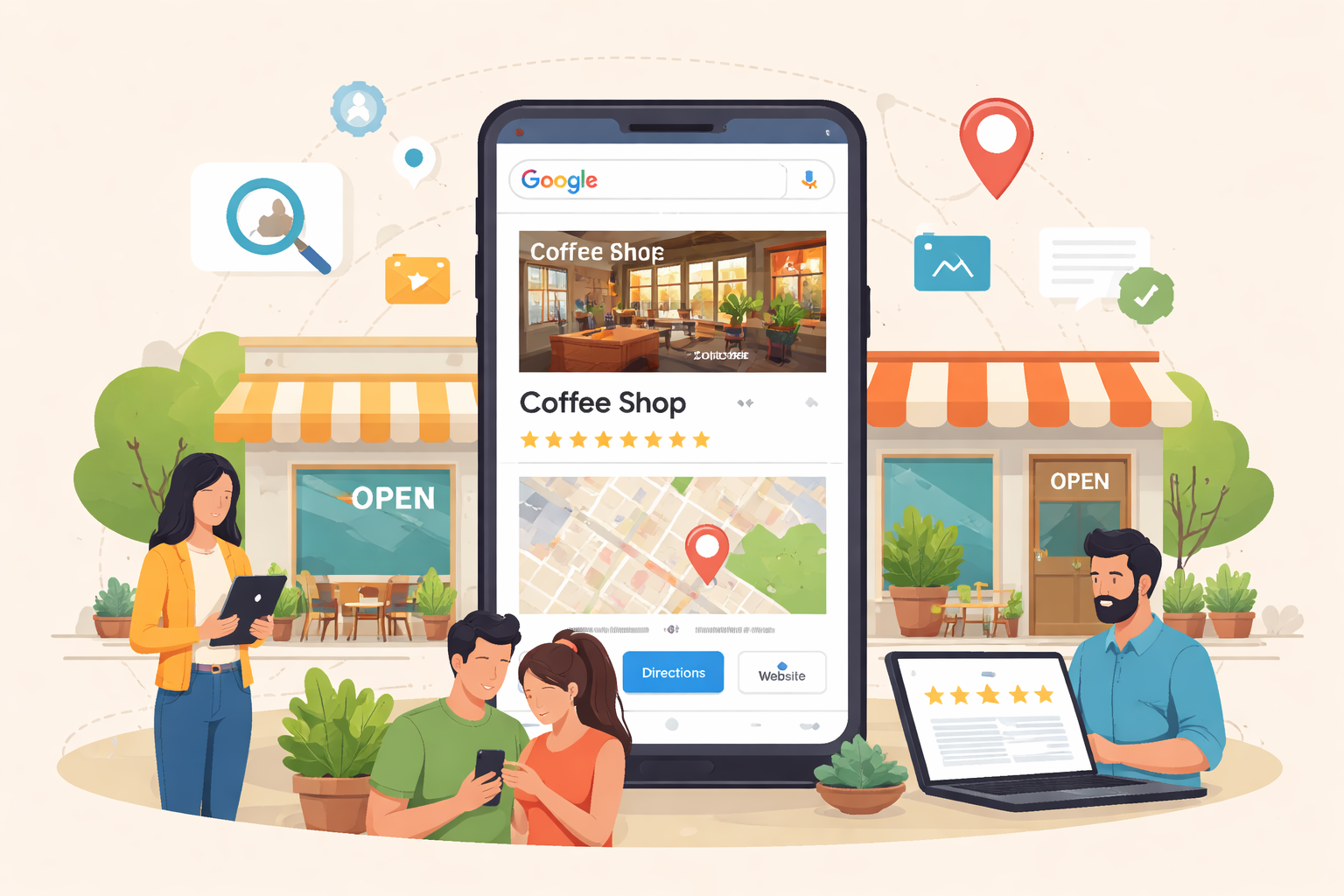
If you run a local business, Google Business Profile (GBP) is one of the most powerful tools you can use to get found online. It’s the listing that shows up on Google Maps and in local search results, and when it’s set up correctly, it can drive steady traffic, phone calls, and in-store visits. Yet many business owners treat it like an afterthought—or don’t fully optimize it—so they miss out on valuable local leads.
In this article, you’ll learn how to make your Google Business Profile work harder, attract more customers, and build a stronger local presence. Whether you’re just getting started or want to improve an existing profile, this guide covers everything you need to know.
Why Google Business Profile Matters for Local Businesses
Google Business Profile is more than just a business listing. It’s your digital storefront, and for many local searches, it’s the first thing potential customers see.
When someone searches for a service near them—like “plumber near me” or “best coffee shop”—Google shows local results based on relevance, distance, and prominence. That means your GBP can make or break whether your business appears in the top results.
A complete and optimized profile helps you:
- Rank higher in local searches
- Improve trust and credibility
- Show your hours, location, and services instantly
- Collect reviews that influence buyer decisions
- Share updates and offers to keep customers engaged
If your GBP isn’t fully optimized, you’re essentially leaving money on the table.
What Google Business Profile Includes (And Why It Matters)
A Google Business Profile includes several elements that all work together to influence how your business appears in search results. Here are the key components and why they matter:
Business Name, Category, and Description
Your business name and category should be accurate and consistent with your website and branding. Google uses this information to match your business to relevant searches.
The description is your chance to highlight what makes your business different. Use it to include your main services, your location, and a clear value statement.
Address and Service Area
For businesses that serve customers on-site, like home services, the service area is essential. For storefront businesses, the physical address is the most important detail.
Make sure your address is accurate and matches what’s on your website and other listings. Inconsistent information can hurt your local rankings.
Hours and Special Hours
Incorrect hours are one of the most common complaints customers have. If your hours change for holidays or special events, update them immediately. Google rewards accurate and up-to-date profiles.
Photos and Videos
Businesses with photos get more clicks and higher engagement. Add photos of your storefront, team, products, and services. The more you add, the better your profile performs.
Reviews and Ratings
Reviews are the most important trust signal for local customers. Responding to reviews also shows you’re active and engaged.
Posts and Updates
Google allows you to publish posts to your profile. Use them to share promotions, new services, or seasonal offers. Regular updates show Google that your business is active and relevant.
How to Set Up Your Google Business Profile (Step-by-Step)
If you haven’t set up your GBP yet, here’s a simple process that takes just a few minutes.
Step 1: Create or Claim Your Listing
Go to Google Business Profile and sign in with your Google account. Search for your business name. If it already exists, claim it. If not, create a new listing.
Step 2: Add Accurate Business Information
Enter your business name, category, address, phone number, and website. Make sure this information matches your website and other listings.
Step 3: Verify Your Business
Verification usually happens by mail, phone, or email. Verification confirms that you’re the real owner and gives you control over the listing.
Step 4: Optimize Your Profile
Add photos, a description, services, and your hours. Fill out every field possible. The more complete your profile is, the better it performs.
Step 5: Encourage Reviews
Ask satisfied customers to leave reviews. Make it easy by sending a link directly after a service or purchase.
Not sure where to start?
Optimize for Better Rankings
Optimizing your profile isn’t just about filling in fields. It’s about improving your visibility and making your business stand out.
Use the Right Categories
Google allows you to choose a primary category and multiple secondary categories. Your primary category should match your main service. Secondary categories should cover additional services you offer.
Add Services and Products
If you offer specific services, add them to your profile. This helps your listing appear in more relevant searches.
Use Keywords Naturally
Your description and services should include keywords that customers are actually searching for, like “dentist near me” or “emergency plumber.”
Just make sure the wording sounds natural. Google penalizes keyword stuffing.
Post Regularly
Posting consistently keeps your profile active and engaging. You can share offers, promotions, or updates that encourage customers to visit.
Build Local Citations
Citations are online mentions of your business name, address, and phone number. These appear on directories like Yelp, Facebook, and other local sites.
Consistent citations improve your local SEO and strengthen your GBP.
Reviews: The Most Powerful GBP Ranking Factor
Reviews are not just social proof—they impact your search ranking too. Google rewards businesses that have high-quality reviews and respond to them.
How to Get More Reviews Without Being Pushy
The key is to make the review process easy and natural.
- Ask for reviews after a successful service
- Send a follow-up email with a direct review link
- Offer a simple incentive, like a discount or small gift (where allowed)
How to Respond to Reviews
Responding shows customers that you care. Your responses should be professional, short, and personal.
For negative reviews, acknowledge the issue, apologize, and offer to fix it offline. Avoid arguing publicly.
Common Mistakes to Avoid
Even small mistakes can hurt your local visibility. Here are the most common errors:
Inconsistent Business Information
If your address or phone number differs across platforms, Google may not trust your listing. Consistency is crucial.
Not Choosing the Right Category
Your category determines the searches you appear in. If you choose the wrong category, your listing won’t show for the right keywords.
Ignoring Reviews
Not responding to reviews makes your business look inactive. Plus, you miss an opportunity to improve your online reputation.
Not Updating Photos
Businesses that post photos regularly perform better. Photos help customers trust your business before they even visit.
Google Business Profile vs. Paid Advertising
Google Business Profile is a free tool that can generate consistent leads. But it’s also a great complement to paid advertising.
If you’re running Google Ads or Facebook Ads, your GBP can improve your landing page experience and increase trust.
If you’re wondering whether to focus on paid ads or local SEO first, it helps to understand how each strategy performs.
When to Get Help with Your Google Business Profile
If you’ve optimized your profile and still aren’t getting results, it may be time to bring in outside support. A professional agency can help with local SEO, review management, and profile optimization.
How GBP Fits into a Strong Local Marketing Strategy
Google Business Profile should be part of a bigger local marketing plan. It works best when combined with a strong website, consistent citations, and a solid review strategy.
If your website isn’t generating leads, your GBP can only do so much. It’s worth checking the common issues that prevent businesses from converting visitors into customers.
Google Business Profile Is Your Best Local Marketing Tool
If you’re running a local business, Google Business Profile is not optional—it’s essential. A complete, optimized profile helps you appear in local searches, earn trust, and generate real leads.
The best part is that it’s free. With a little time and consistency, you can turn your GBP into a lead-generating asset that supports your entire local marketing strategy.